
01
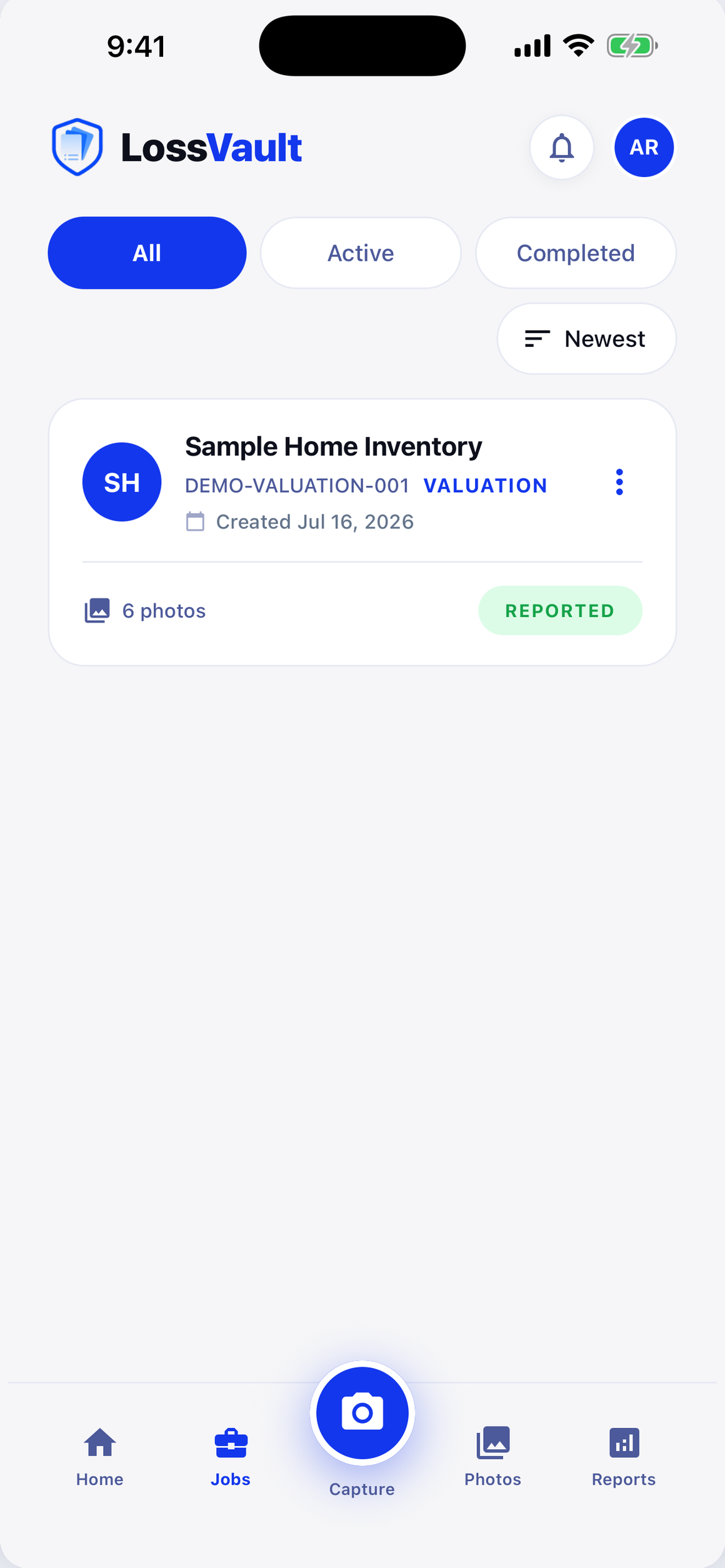
Create the job
Set the job type, claim details, rooms, and packout structure so every record begins organized.
Preparing this page.
Built for field documentation
Capture evidence on iPhone or iPad, organize inventory by room, and deliver clear, controlled reports from one connected job record.
 Available for iPhone and iPad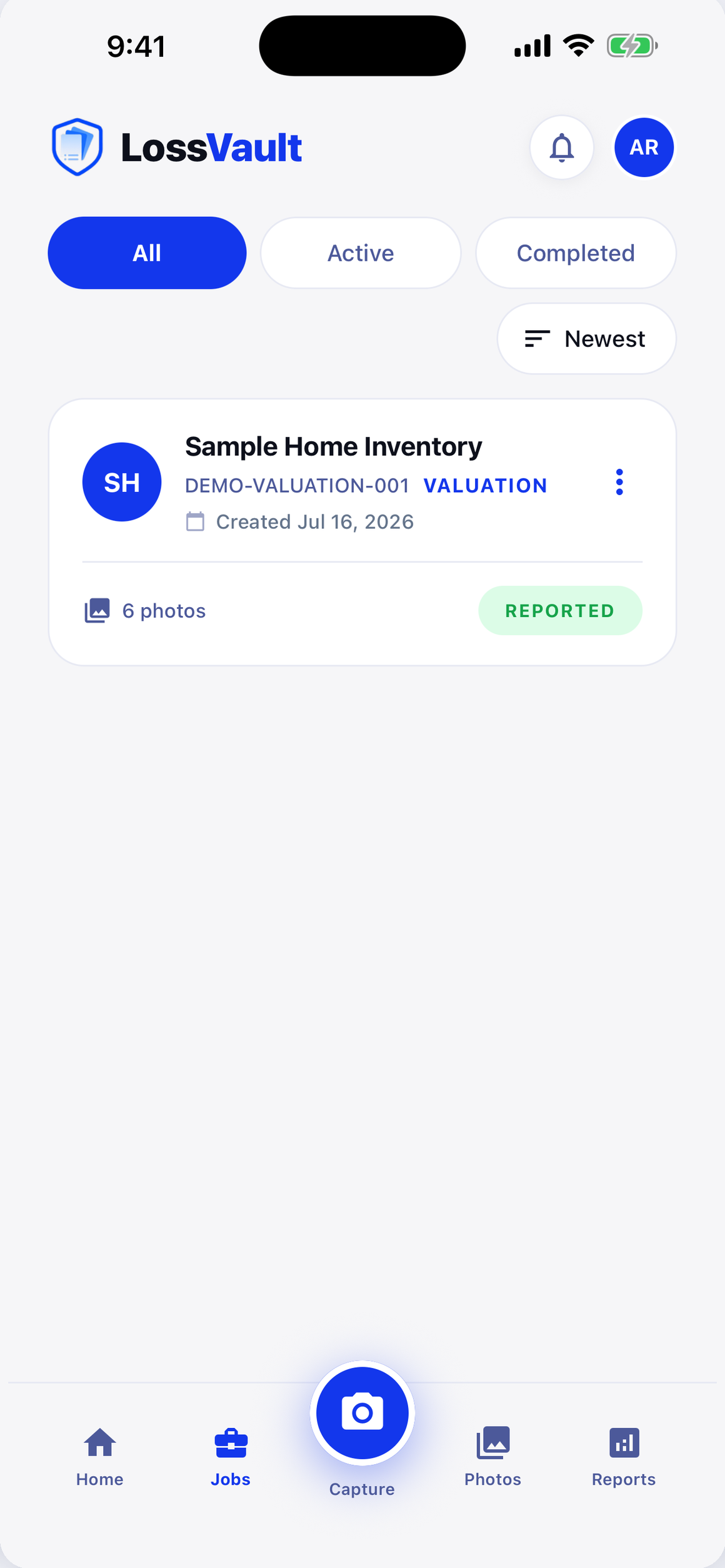
How it works
LossVault keeps job structure, evidence, inventory, and report history together as the work moves from the field to the office.
Set the job type, claim details, rooms, and packout structure so every record begins organized.
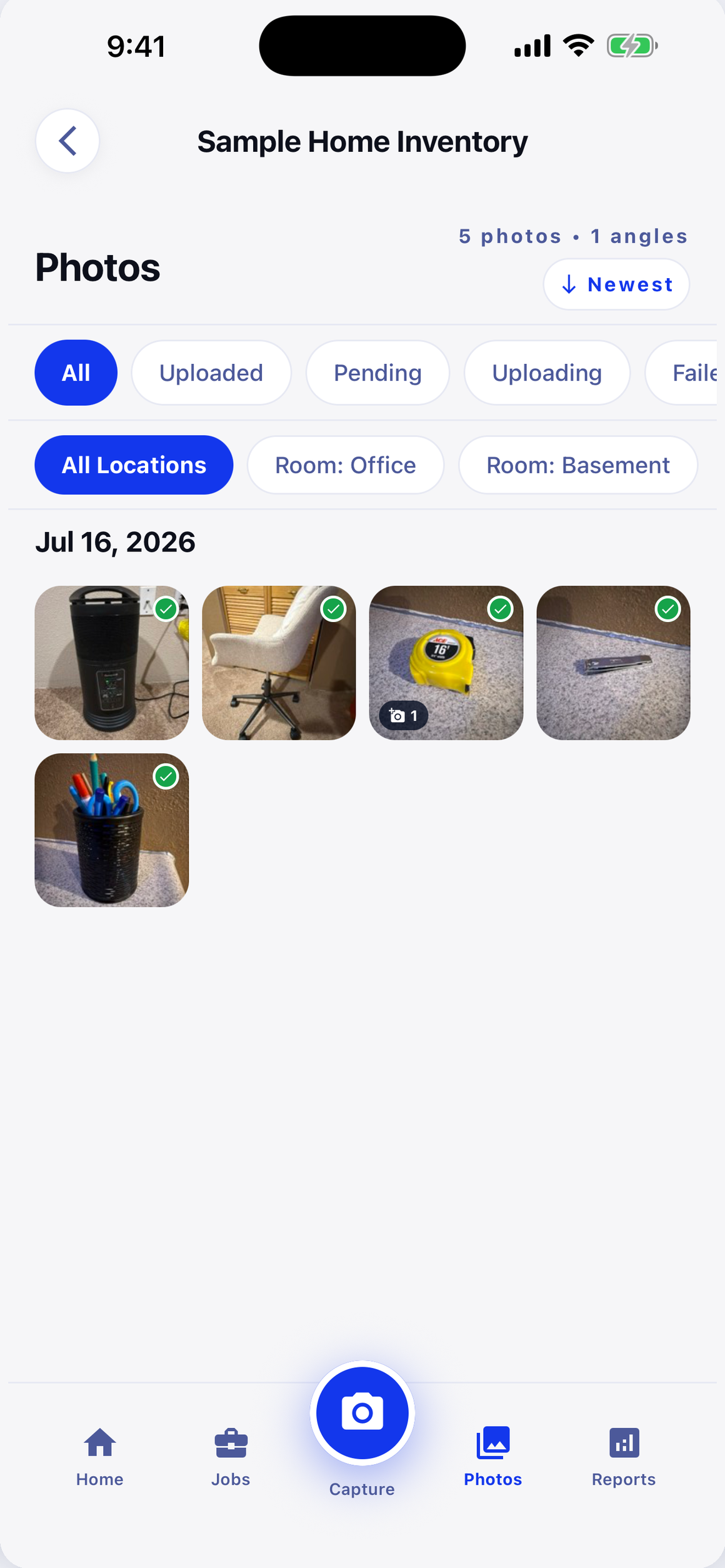
Document primary photos and supporting angles by room on iPhone or iPad, even when service is unreliable.
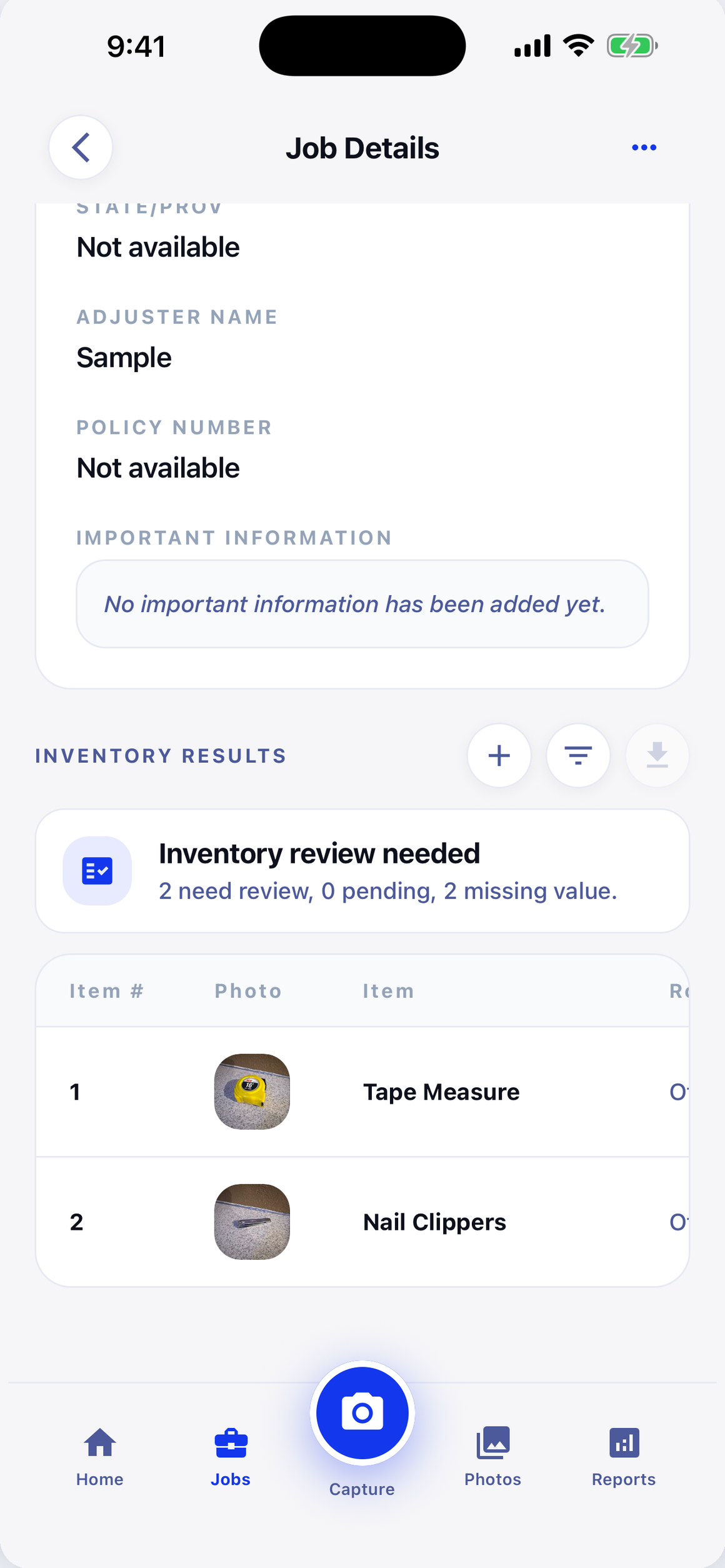
Review item details, complete the job, and generate versioned PDF or XLSX reports for delivery.
A connected record
Uploaded photos enter the job record, item information can be reviewed or corrected, and reports are generated only when the completed job is ready.
Recent evidence
Inventory
Ready for the next job?
Built around the work
Photos, items, boxes, and reports remain connected to the correct part of the loss.
Attach additional views to a primary photo without creating duplicate report items.
Group boxes under rooms for a clear record from field capture through final documentation.
Owners, administrators, editors, and viewers get access matched to their responsibilities.
Create salvage, non-salvage, packout, and comprehensive reports in PDF or XLSX.
Download, email, or share reports through expiring links that authorized users can revoke.
The web companion
Field teams capture in the iOS app. Back at the office, authorized team members can review jobs, photos, inventory, billing, and reports without rebuilding the record.
app.lossvault.com
Recent jobs
Field and office, connected
Job records and photos are stored behind authenticated access and organization-level controls.
Workspace roles determine who can view, edit, complete, generate, or share job information.
Public report access uses time-limited links that authorized users can revoke independently.
LossVault explains its current data practices and user choices in the published privacy policy.
Common questions
Find more account and workflow guidance in the LossVault help center.
Open the help centerPhoto capture happens in the LossVault iOS app on iPhone or iPad. The web companion handles job setup, review, team management, billing, and reporting.
Eligible completed jobs can produce salvage, non-salvage, packout, and comprehensive reports in PDF or XLSX. Reports retain version history.
A user can add extra angles to a primary photo. Those images remain available as supporting evidence without creating additional inventory lines.
Only authorized workspace members. Owners, administrators, editors, and viewers receive permissions appropriate to their role.
Authorized users can download reports, send them by email, or create expiring links that can be revoked before their expiration date.
Talk with LossVault
Tell us how your team documents losses today and where the process slows down. We will follow up about fit, workflow, and getting started.